For most of the history of Android games, buying anything meant one thing: Google Play took the payment. That stopped being the only option this summer, and the change has been reported almost entirely as a story about developers and fees.
There is a version of it that concerns the person actually spending the money, and Google has written it down on a help page most players will never see.
What changed, briefly
Google's developer blog announced expanded billing choice rolling out from 30 June 2026 in the United States, the European Economic Area and the United Kingdom, with availability expanding to further markets afterwards. Developers can offer an alternative billing system alongside Google Play's, or link you out to their own website to complete a purchase.
Google's own policy page for developers serving US users puts the underlying commitment plainly: it will not require the use of Google Play Billing, will not prohibit in-app payment methods other than Google Play Billing, and will not prohibit a developer from telling users about the availability or pricing of an app outside the Play Store.
In practice that means a purchase screen inside a game may now offer you a choice — Google Play's billing, or the developer's. Google says developers may use its default choice screen or design their own within its guidelines, so the two options will not look the same in every game.
What you give up by choosing the other one
This is the part worth knowing before the choice screen appears rather than after. Every item below is Google's own description, on the Play Help page written for users.
- Refunds do not go through Google. The page states you cannot request a refund through Google for purchases made through other billing systems — you contact the developer.
- It will not be in your order history. Google notes that if a purchase does not show up under your Google Play order history, it was likely made using another billing system.
- Subscriptions are not in the subscriptions centre. App subscriptions made through alternative billing systems do not appear there, so cancelling or changing one means going to the developer.
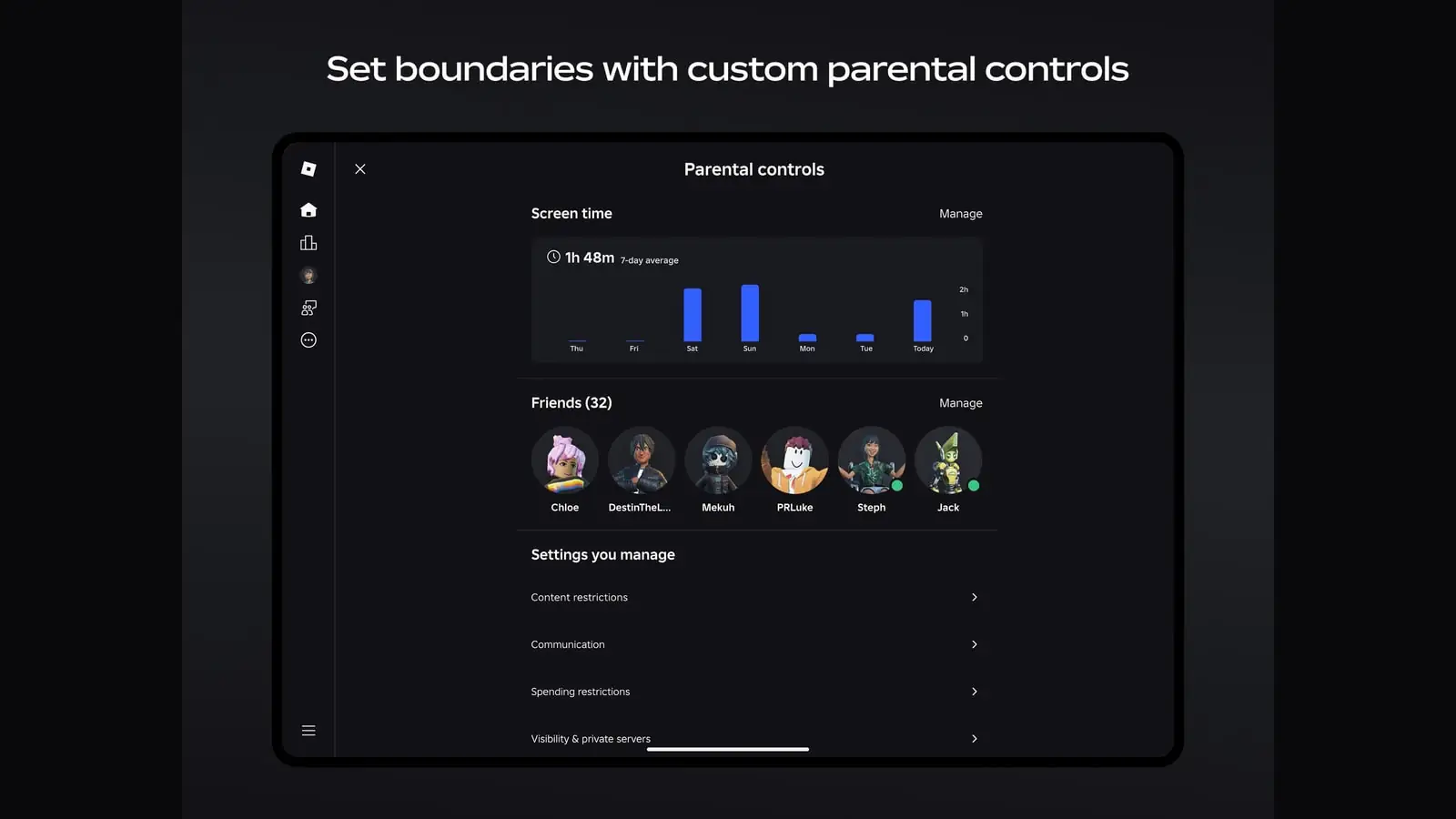
- Parental controls and purchase authentication do not apply. Google states these cover purchases made through Google Play's billing system. A password or fingerprint prompt you have set up on Play is not standing between the alternative checkout and your card.
- Play balance and gift cards do not work. You cannot spend a Play balance through an alternative billing system.
- No Play Points, no Play offers. Neither is earned or redeemable on those purchases.
- Google is not holding your payment details. The page says plainly that Google does not secure any payment information you share with a developer or an alternative billing service provider, including your billing address and payment method details.
None of this makes the other option bad
It is a different set of terms, not a worse one by definition. A developer's own store can be cheaper, and dealing with a developer directly over a botched purchase is sometimes better than dealing with a platform. The point is that the protections are not the same, and the moment you find out which set you are under should not be the moment something goes wrong.
The practical test is short: if the money is significant to you, or the account belongs to someone who is not you, the platform's version is the one with the recourse attached.
What to do when the choice screen shows up
Notice that it is a choice
The screen may be Google's default or the developer's own design. If a purchase flow leaves the app, or asks for card details it has not asked for before, you are on the other side of that line.
Decide who you want to owe you a refund
That is genuinely the question. One route puts Google in the middle; the other puts the developer's support inbox there.
Check the phone that is not yours
If you administer a child's device through Play, the purchase approvals you have configured do not extend to alternative billing. Worth knowing before the next school holidays rather than after.
Keep your own receipt
It will not appear in Play's order history, so the developer's confirmation email is the record. Do not delete it.
The wider habit this rewards is the one that was already worth having: reading what a game intends to charge you for before you are three hours into it. How to spot a pay-to-win mobile game before you install covers the signals visible on the store page, and what happens when a mobile game shuts down covers what becomes of purchases when the game itself stops — a question that gets harder, not easier, when the receipt was never with the platform.
How we worked this out
The rollout dates and the mechanism come from Google's Android Developers Blog and Play Console Help pages; everything in the list of what changes for a player comes from Google's user-facing Play Help page on alternative billing systems, all read on the access date in Sources. Service fees, developer programme terms and any judgement about whether prices will move are left out, because they are either developer-facing or unsourceable. Nothing here was established by making a purchase.
Sources
- Learn about Google Play & alternative billing systems (opens in a new tab) — Google (accessed )
- Expanded billing choice and lower fees on Google Play (opens in a new tab) — Google (accessed )
- An update regarding Google Play's policies for developers serving users in the US (opens in a new tab) — Google (accessed )