To use Roblox chat now, an account must complete an age check. Roblox introduced the requirement in January 2026, then described a second system that estimates an account's age from its activity each day.
The age check began on 7 January 2026. In an engineering post dated 4 August 2026, Roblox said it also uses behaviour to flag accounts that may need to check again. The details matter if you manage a child's account or have been assigned the wrong age band.
What the age check actually is
Three routes, all of them Roblox's own description. The default is facial age estimation: a selfie video, processed by a vendor called Persona, which returns an estimated age band rather than an identity. Roblox states that images and video used for facial age estimation are deleted immediately after they have been securely processed.
The alternatives are ID verification with a government-issued photo ID, which Roblox offers to users 13 and over, and a verified parent account linked through parental controls. Roblox describes the check itself as optional in the narrow sense that you only need it if you want the features it unlocks — which, since January, includes chat.
- Chat, with defaults that vary by age group.
- Trusted Connections, which Roblox describes as letting age-checked users 13 and older connect and chat more freely with people they know beyond their immediate age group.
- Social media links, viewing and sharing, for 13 and over.
- Studio Team Create collaboration.
Roblox reported in February 2026 that within a month of the requirement landing, 45% of its 144 million daily active users globally had completed an age check.
Six bands, and who is allowed to talk to whom
The check sorts an account into one of six bands: under 9, 9–12, 13–15, 16–17, 18–20 and 21+. The bands are not labels — they decide the conversation.
- Chat is off for under-9s unless a parent consents, after verification.
- A 9–12 account can chat within its own band, and with the under-9 and 13–15 bands.
- Users under 16 are prevented from communicating with adults in experience chat. A 12-year-old cannot chat with anyone 16 or over.
- Trusted Connections is the stated exception, and it starts at 13 — which is why a parent and a younger child are not covered by it.
The account types that came with it
On 16 June 2026 Roblox made two age-based account types globally available, after an initial rollout in Australia, Indonesia, the Netherlands and New Zealand. Roblox Kids covers ages 5–8; Roblox Select covers 9–15; everything from 16 up is a standard Roblox account. Existing users are placed into the appropriate type based on their age rather than choosing one.
| Account | Who it covers | Chat by default |
|---|---|---|
| Roblox Kids | Ages 5–8, age-checked | Disabled; a parent can enable it |
| Roblox Select | Ages 9–15, age-checked | Unlocks gradually with age; a parent can adjust it |
| Roblox | 16 and over, age-checked | Enabled |
| Roblox Kids | Ages 5–8, self-declared | Disabled |
| Roblox Select | 9 and over, self-declared | Disabled |
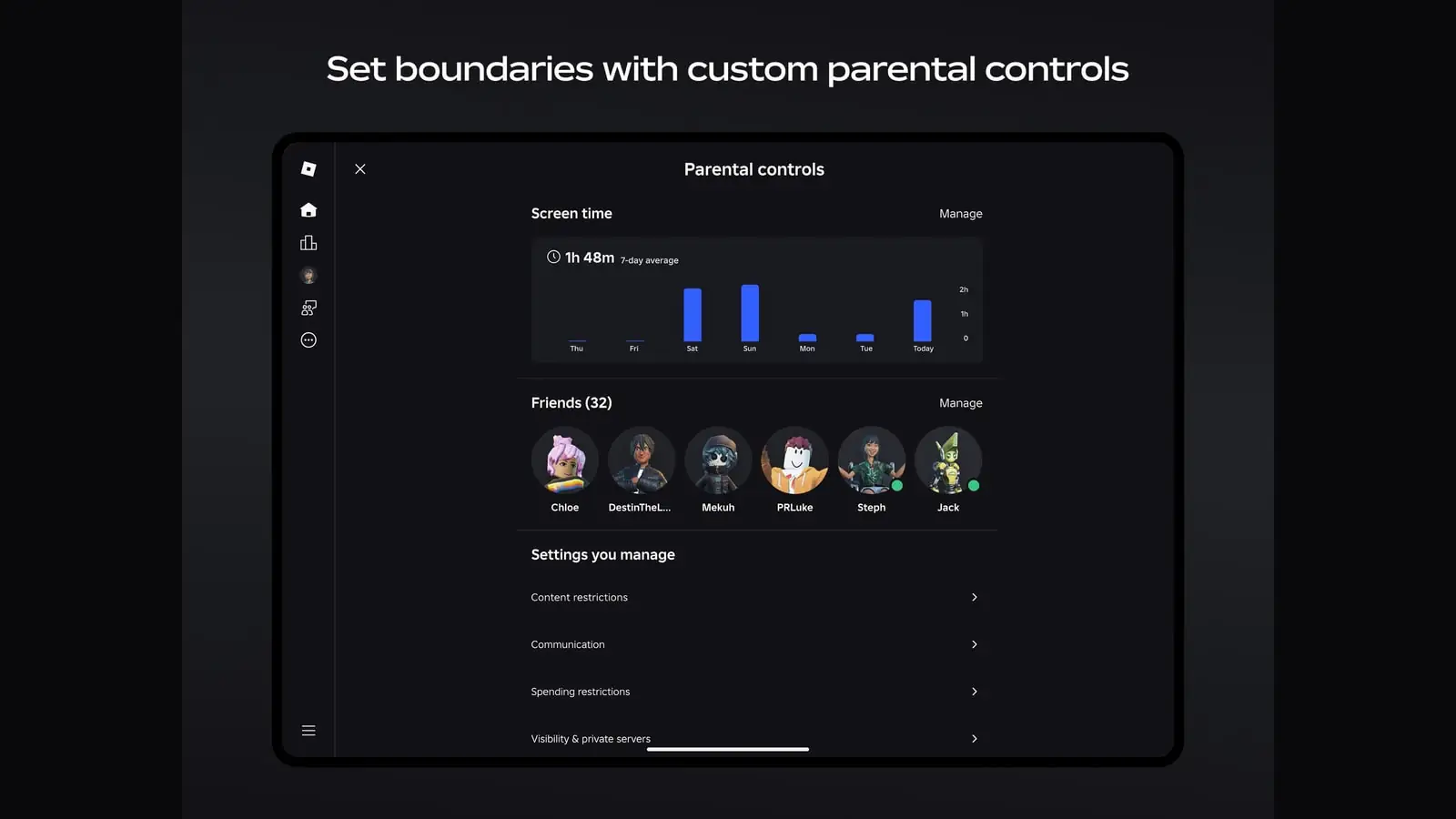
The parental controls are tiered by age too, and the ages at which they lapse are worth knowing before they lapse. Roblox states that parents can adjust chat settings and game access until a child turns 16; can manage friend lists and block contacts until 13; and can set screen-time and spending limits until 13. Between 16 and 18 a parent keeps visibility into spending and screen time, with less direct control.
The part that keeps running
This is the substance of the 4 August post, and it is written for engineers rather than for parents, which is probably why it has not travelled. Roblox's framing is direct: the initial age check is necessary, but age assurance does not end at the selfie.
So Roblox built a second system that runs continuously. It assembles behavioural signals from across the platform — Roblox names social connections, gameplay engagement patterns, account activity, communication style and how users represent themselves — feeds them to separate machine-learning models, and combines the outputs into a single estimate. The scale it reports is the striking part.
Figures Roblox published about the system, 4 August 2026.
- Account records processed daily
- Close to two billion
- Facial age estimation records to date
- 338 million
- High-confidence age labels used in training
- Nearly 30 million
- Day-to-day stability
- More than 99% of high-confidence estimates stay in the same broad age band on consecutive days
- Agreement with human reviewers
- At high confidence, the model's age band matches the human consensus label for adults more than 80% of the time
What the system does with a disagreement was set out earlier, in Roblox's February post: where it detects that an account which self-reported or age-checked as a younger child has a pattern of gameplay over time suggesting a teenager or an adult, the user is shown a prompt requiring them to complete an additional age check.
That is a meaningful design choice and worth stating precisely. Roblox does not describe silently moving an account between bands on the strength of the behavioural estimate; it describes using the estimate to ask for a real check. The August post does not say what happens if the prompt is ignored, and this article is not going to guess.
If it gets your age wrong
An estimate is an estimate, and a system operating at this scale will place people in the wrong band. Roblox documents two corrections, both of them one-time.
If you are 18 or over: use the reset in Account Settings
Roblox provides users 18 or older with a one-time reset option in Account Settings to redo the age check. One-time is the operative word — it is not a control to experiment with.
If it is a child's account: use the parental correction
Parents have a one-time opportunity to correct a child's age through Parental Controls. Same caveat.
Otherwise, use the ID route
Roblox offers ID verification with a government-issued photo ID to users 13 and over, and describes it as the route for someone who believes their age was estimated incorrectly.
What is worth doing about it
Not much, if the account is yours and the band is right. Rather more if you administer someone else's.
Check which account type the child is actually on
Kids, Select and standard Roblox have different defaults, and existing accounts were placed automatically. The one you assume they are on may not be the one they were assigned.
Do the parental link before the ages lapse
Friend-list management and spending limits stop at 13; chat and game access stop at 16. A parent account that gets linked at 14 is linked too late for two of the four.
Decide the ID question in advance
If a facial estimate lands wrong, the fallback is a government photo ID. Whether you are willing to send one is a decision better made calmly than at the prompt.
Treat the correction as a single shot
Both documented corrections are one-time. Use them when the answer is known, not to see what happens.
Check the age band and parental settings on the account itself. If you are setting Roblox up on a phone for the first time, our phone guide covers controls, purchases and performance.
How we worked this out
Every rule, date and figure below comes from Roblox describing its own system: the January 2026 investor-relations release and newsroom post announcing the requirement, the February 2026 post on moving beyond self-reported age, the June 2026 post on the Kids and Select account types, the August 2026 engineering post on continuous age assurance, and Roblox's standing Facial Age Estimation explainer — all read on the access date in Sources. No account was created, no age check was completed, and nothing here rests on a third party's description of the system. Where Roblox does not state what happens in a given case, this article says so rather than filling the gap.
Sources
- Roblox Requires Users Worldwide to Age-Check to Access Chat (opens in a new tab) — Roblox Corporation (accessed )
- A New Era of Safety: Facial Age Checks Now Required to Chat on Roblox (opens in a new tab) — Roblox Corporation (accessed )
- Facial Age Estimation for Safer Chat (opens in a new tab) — Roblox Corporation (accessed )
- Moving Beyond Self-Reported Age (opens in a new tab) — Roblox Corporation (accessed )
- Age-Based Roblox Kids and Select Accounts Now Globally Available (opens in a new tab) — Roblox Corporation (accessed )
- Beyond the Selfie: How Roblox's Age-Assurance System Helps Keep Age Checks Current (opens in a new tab) — Roblox Corporation (accessed )