The safest time to check your Roblox sign-in is while your old phone still works. If the app is already logged in, it can hide a forgotten password or an email address you can no longer open. Find that out before you wipe the device.
Give the account a recovery route
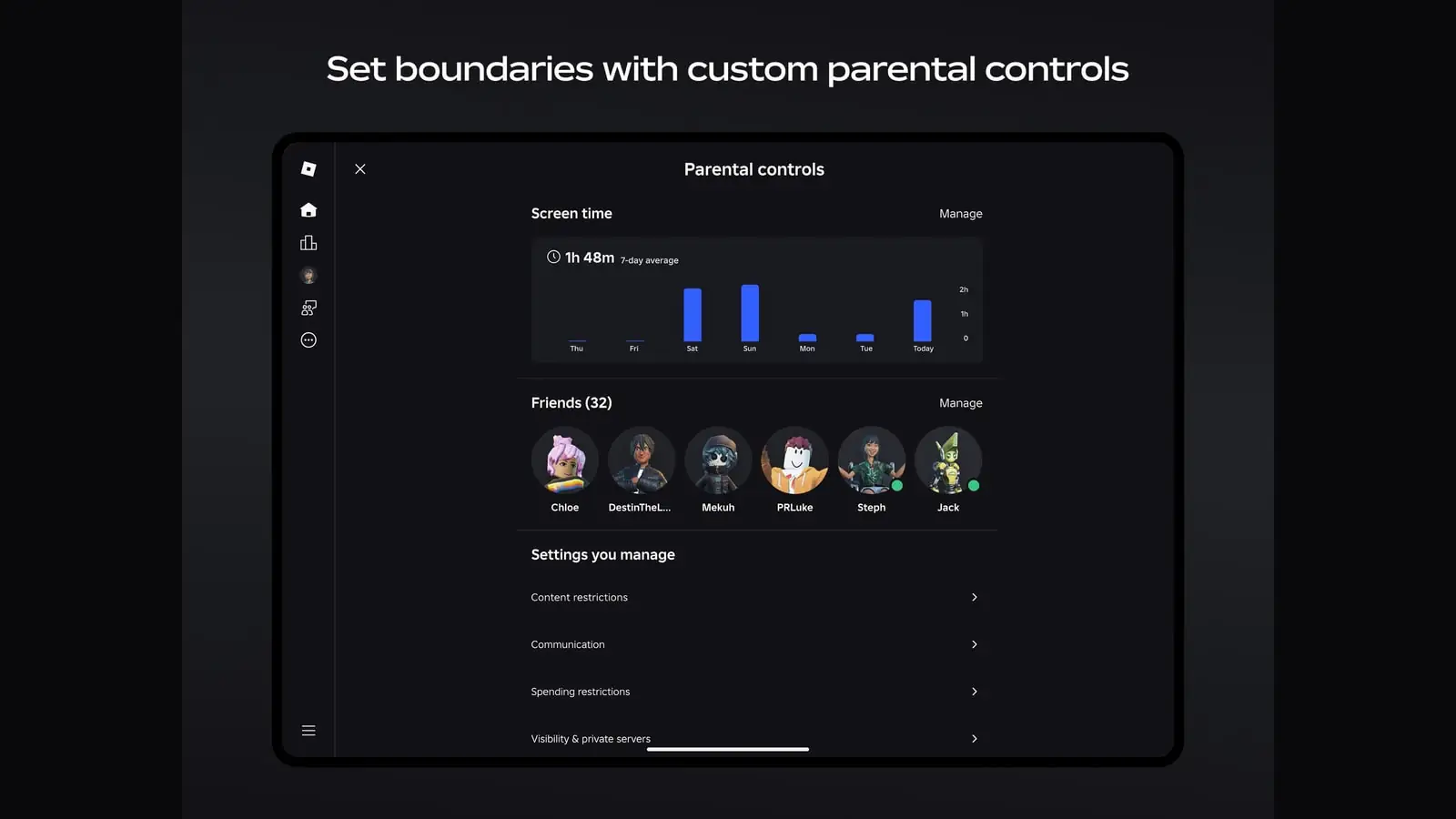
Roblox recommends adding and verifying an email address. It helps with password resets and gives support a better way to help if you lose access. Check that you can actually open that inbox on another device. A verification email sent to an abandoned address will not help when you are locked out.
Turn on two-step verification
Roblox supports verification through an authenticator app, email or security keys. Its security guidance recommends an authenticator app. Choose a method you will still have after the phone changes, and follow Roblox's setup instructions from your account settings while you are signed in.
If you use an authenticator on the old phone, make sure you know how that app moves accounts to a new one. Roblox says a security key requires authenticator-based verification to be enabled too, so do not treat a single device as your only way in.
Test the new phone before clearing the old one
Install Roblox on the new phone and sign in while the old phone is nearby. Roblox may ask you to approve a login from a device that is already signed in. Once you have confirmed the new sign-in and your recovery method, you can clear the old device with less guesswork.
Never give someone else a one-time sign-in code. Roblox says it will not contact you to ask for one. If you receive codes you did not request, change your account credentials and check your verification settings.
Sources
- Keep Your Account Safe (opens in a new tab) — Roblox Support (accessed )
- Add 2-Step Verification to Your Account (opens in a new tab) — Roblox Support (accessed )
- Logging In with a One-Time Code (opens in a new tab) — Roblox Support (accessed )