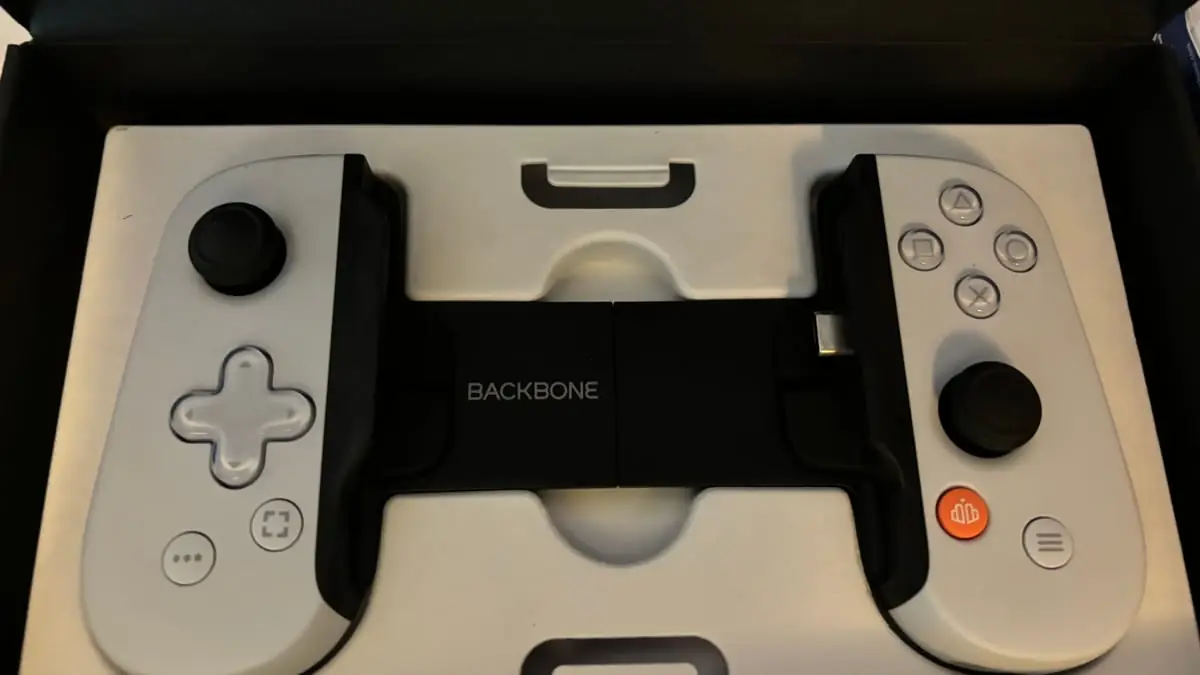
Before buying a phone controller, check whether the games you actually play support one. A controller can make touch-heavy games more comfortable, but Bluetooth pairing alone does not mean a game will accept its inputs.
First: do your games support it at all?
Device-level pairing does not prove that a specific game accepts controller input. Check each game's current support page or settings before ordering an accessory.
- Games you already play: verify support in the game's own documentation or settings, then check whether the supported controller type matches your intended purchase.
- Touch-focused games: decide whether physical controls would improve the actions you actually use. Pairing alone will not add button controls to every game.
- Streaming services: confirm that the service, streamed game and your phone all accept the same controller before buying.
Make a list of the games you play most and verify each one. If support is uncertain, ask the publisher or test with a controller you already own before paying for a new one.
Telescopic or separate
- Telescopic (phone clamps in the middle)
- Holds the phone between two halves. Check its supported phone dimensions, case clearance, connector and whether the charging port remains accessible.
- Separate controller plus a clip
- Keeps the controller separate from the phone. Check Bluetooth or cable compatibility, the clip's stated dimensions and how it balances with your phone.
- Separate controller, phone on a stand
- Avoids holding the phone's weight with the controller. It needs a suitable viewing position and space for a stand.
The four specifications worth checking
The connector
For a telescopic controller, the plug has to match your phone's port. This has become simpler as the market converged, but check the listing against your actual device rather than assuming.
Case clearance
Compare the controller's published phone and case dimensions with your own device. If they are absent, ask the seller before ordering.
Passthrough charging
If the controller occupies the phone's port, check whether it offers passthrough charging and whether that feature works with your phone.
Stick quality
Read the stated stick design, warranty and return policy. We have no durability test for any model, so marketing labels alone should not settle this choice.
Things that matter less than the marketing suggests
- RGB lighting. Decide whether you value it after basic compatibility is confirmed.
- Low-latency claims. Ask how the figure was measured and whether the connection type and game match your use.
- Extra rear buttons. Check whether your games and device let you map them.
- Bundled app stores. Some controllers ship a launcher of "compatible games". Check your own list instead.
The cheapest way to find out
If you already own a compatible controller, Apple and Android both document ways to connect one by Bluetooth or cable. Try it with your actual games first. This tests game support and whether physical controls solve the problem you had in mind.
If your favourite games do not support a controller, you have your answer before spending anything.
How we worked this out
A decision framework, not a review. PhonePlayers has tested no controllers and recommends no product. Apple and Android support documents establish connection methods; individual game and accessory compatibility must be checked with their publishers and sellers.
Sources
- Connect a game controller to iPhone (opens in a new tab) — Apple Support (accessed )
- Set up your game controller settings on Android (opens in a new tab) — Android Help (accessed )
Corrections and updates
Updates
- — Updated the cover with a sourced photograph and recorded its creator and licence.
- — Removed unsupported category and durability claims; added platform documentation and device/game compatibility checks.