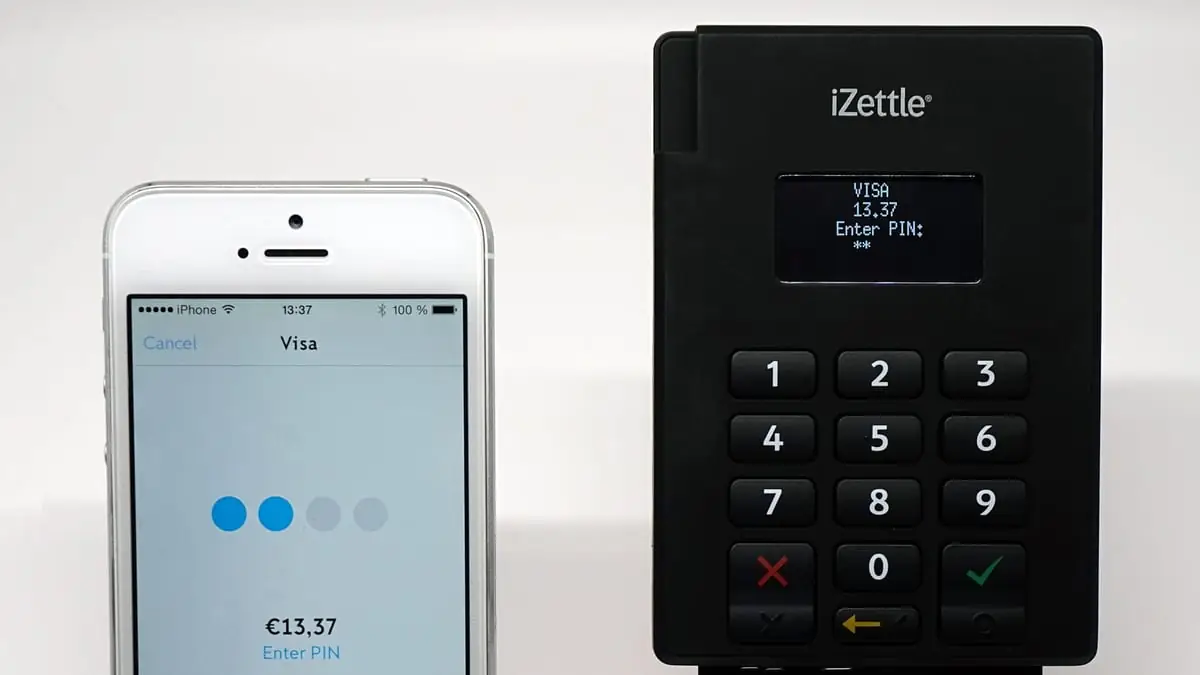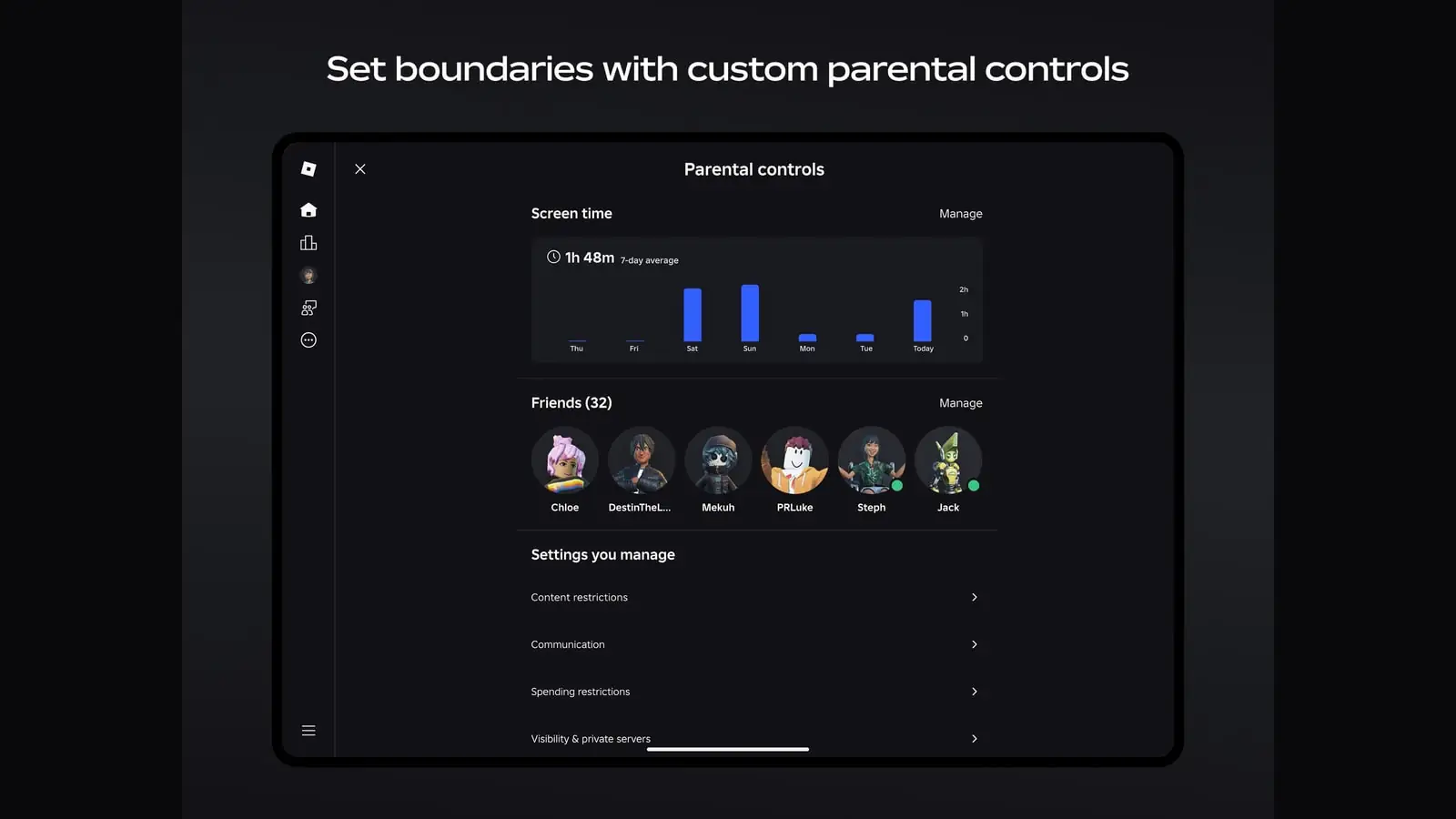

To check whether a game declares loot boxes, open its App Store listing and expand the age rating. Apple's Loot Boxes descriptor appears there when the developer reports that the game contains them.
Apple asks developers to fill in an age-rating questionnaire before an app can ship. One group of questions covers chance-based activities — simulated gambling, contests, gambling, and loot boxes — and each is answered as none, infrequent or frequent. The answers set the age rating and are then printed on the listing as short descriptor lines. One of those lines reads, simply, Loot Boxes.
Where to find it in ten seconds
Open the game's App Store page
From search, or from a link. You do not need to install anything.
Scroll to the Information section
Past the screenshots and the description, below the ratings and reviews.
Read the Age Rating row
It shows the rating — 4+, 9+, 13+, 16+ or 18+ — and, tapped, expands to the descriptor lines the developer declared. “Loot Boxes” is one of them.
What the sixteen games we cover declare
Ratings read from the sixteen App Store product pages on 13 August 2026, for the United States storefront; the label column comes from Apple's lookup service on the same day and records whether the developer declared loot boxes. The two are listed separately for a reason given below.
| Game | Age rating | “Loot Boxes” declared |
|---|---|---|
| Clash Royale | 9+ | No |
| MONOPOLY GO! | 9+ | Yes |
| Pokémon GO | 9+ | No |
| Pokémon TCG Pocket | 9+ | Yes |
| AFK Journey | 13+ | Yes |
| Brawl Stars | 13+ | No |
| Clash of Clans | 13+ | No |
| Genshin Impact | 13+ | Yes |
| Honkai: Star Rail | 13+ | Yes |
| MARVEL SNAP | 13+ | Yes |
| Mobile Legends: Bang Bang | 13+ | Yes |
| PUBG MOBILE | 13+ | Yes |
| Roblox | 13+ | Yes |
| Wuthering Waves | 13+ | Yes |
| Zenless Zone Zero | 13+ | Yes |
| Call of Duty: Mobile | 18+ | Yes |
The ratings in that column are new
Apple announced an expanded set of age ratings on 24 July 2025, adding 13+, 16+ and 18+ to the existing 4+ and 9+, and said every existing app and game rating would be updated automatically to fit the new system. The values now published on the store are 4+, 9+, 13+, 16+, 18+ and Unrated. The older 12+ and 17+ bands are gone.
A low rating and a loot box are not a contradiction
Pokémon TCG Pocket shows why the two fields need separate attention. Its listing shows 9+ and declares loot boxes. The rating covers content such as violence and language; it does not assess whether a purchase mechanic suits a child.
The age number covers content. The Loot Boxes line covers a purchase mechanic. If you are deciding whether the game is suitable for a child, read both parts of the panel.
If the label is there, the odds should be too
Both stores require the numbers to exist somewhere you can find them. Apple's App Review Guidelines say that apps offering loot boxes or other mechanisms giving randomised virtual items for purchase must disclose the odds of receiving each type of item “prior to purchase”. Google Play's payments policy sets out the same duty in more detail, requiring the odds be disclosed in advance of the purchase and in close and timely proximity to it.
So a listing declaring loot boxes is also, indirectly, a promise: the rates are published somewhere in the game, usually behind a details or information button on the purchase screen itself. If you cannot find them, that is worth knowing before you spend.
Finding the number is only half of it. Gacha odds explained covers what a published rate does and does not promise you — the short version being that it describes the long run and says nothing whatsoever about your next ten pulls.
What the label does not tell you
- What is randomised. A cosmetic-only crate and a system that gates the strongest characters behind draws produce the same one-word label.
- What it costs. No price, no currency conversion, no bundle structure. The label is a yes or a no.
- How central it is. A game where you can ignore the mechanic entirely and one built around it are indistinguishable here.
- Anything about the Android build. These descriptors are Apple's. Google Play uses a separate ratings system, so the two listings for the same game will not look alike.
For other purchase clues on the same page, see how to spot a pay-to-win mobile game. The store disclosure is useful, but the game's current shop shows what is actually for sale.
How we worked this out
The loot-box column was read from a single Apple iTunes Lookup API request covering the sixteen games in the PhonePlayers directory, made on the access date recorded in Sources, recording whether “Loot Boxes” appears in the listing's advisories. The age-rating column was read separately from the sixteen App Store product pages on the same day, because the lookup API still returns values from Apple's retired rating scale and the product page does not. Nothing here is inferred from playing the games, and no in-game price, currency amount or drop rate appears, because none of those is published in the data this article rests on.
Sources
- Apple iTunes Lookup API — the sixteen apps in the table, US storefront (opens in a new tab) — Apple (accessed )
- App Store product pages — the sixteen apps in the table (opens in a new tab) — Apple (accessed )
- Updated age ratings in App Store Connect (opens in a new tab) — Apple (accessed )
- Age ratings values and definitions — App Store Connect Help (opens in a new tab) — Apple (accessed )
- App Review Guidelines, section 3.1.1 (opens in a new tab) — Apple (accessed )
- Set an app age rating — App Store Connect Help (opens in a new tab) — Apple (accessed )
- Monetization and Ads — Google Play developer policy (opens in a new tab) — Google (accessed )
Corrections and updates
Updates
- — Age-rating column rebuilt from the sixteen App Store product pages. Apple has retired the 12+ and 17+ bands in favour of 13+, 16+ and 18+, and thirteen of the sixteen ratings in the original table were the retired values — including the 4+ the article's central argument rested on, now 9+. The loot-box column was re-read and is unchanged: the same twelve games declare it.